PrismPoster

Create content at full spectrum.

The AI studio for solo creators.

Make the film, the image, and the song — cinematic video up to 4K, full songs in 35 languages, and an editor whose timeline generates. One credit wallet, one Library.

Free every month: 50 credits — about 4 images or 3 full songs. You export everything; we never post for you.

  • Five studios + a real multitrack editor
  • Songs in 35 languages
  • 9:16 Shorts & Reels ready · up to 4K
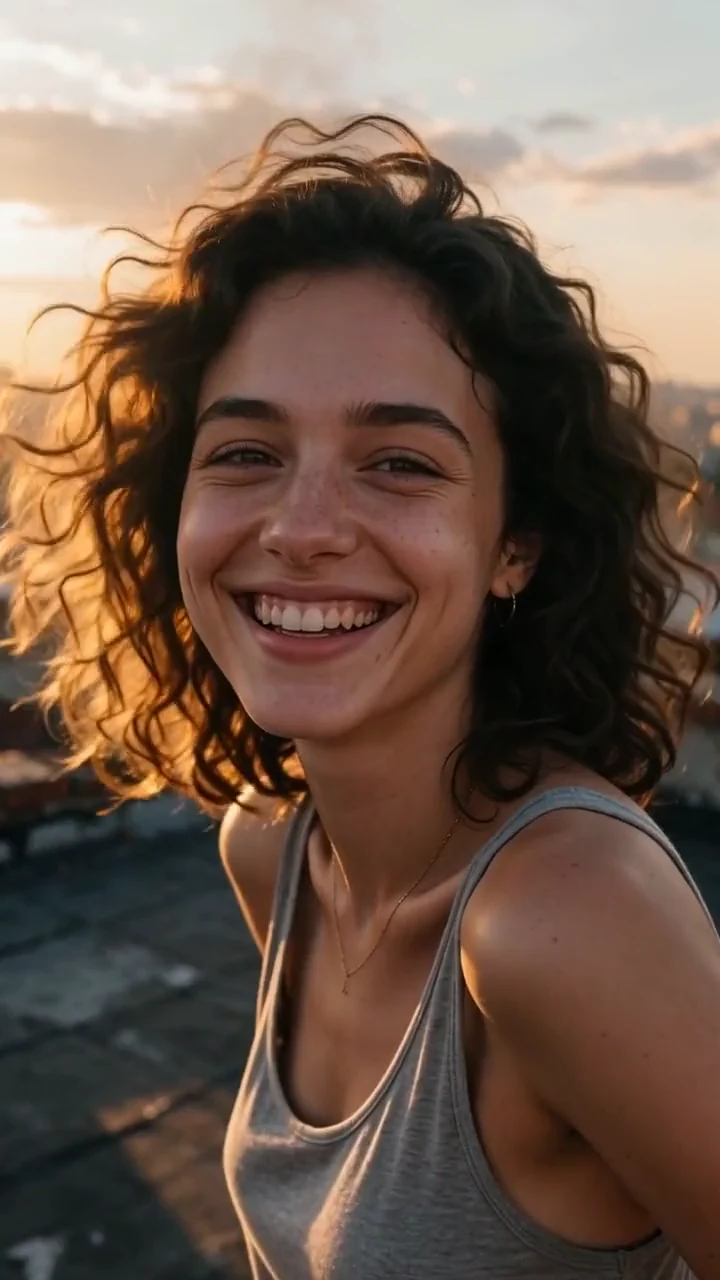
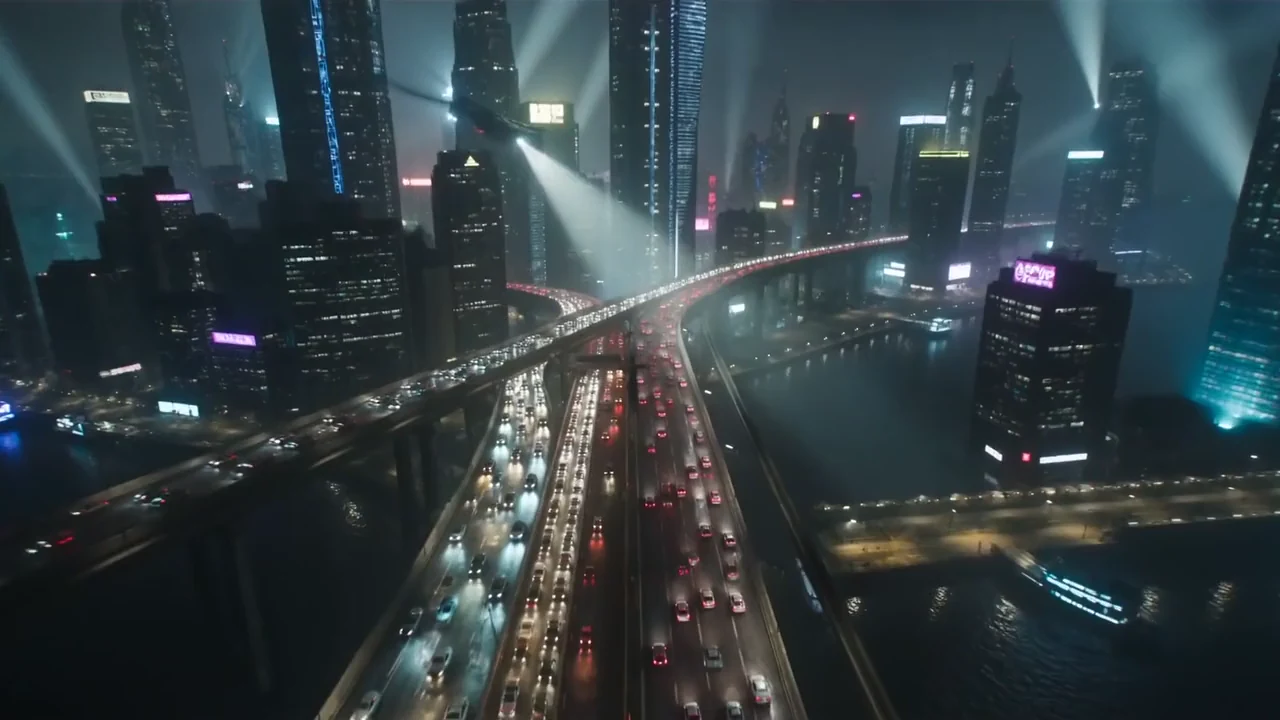
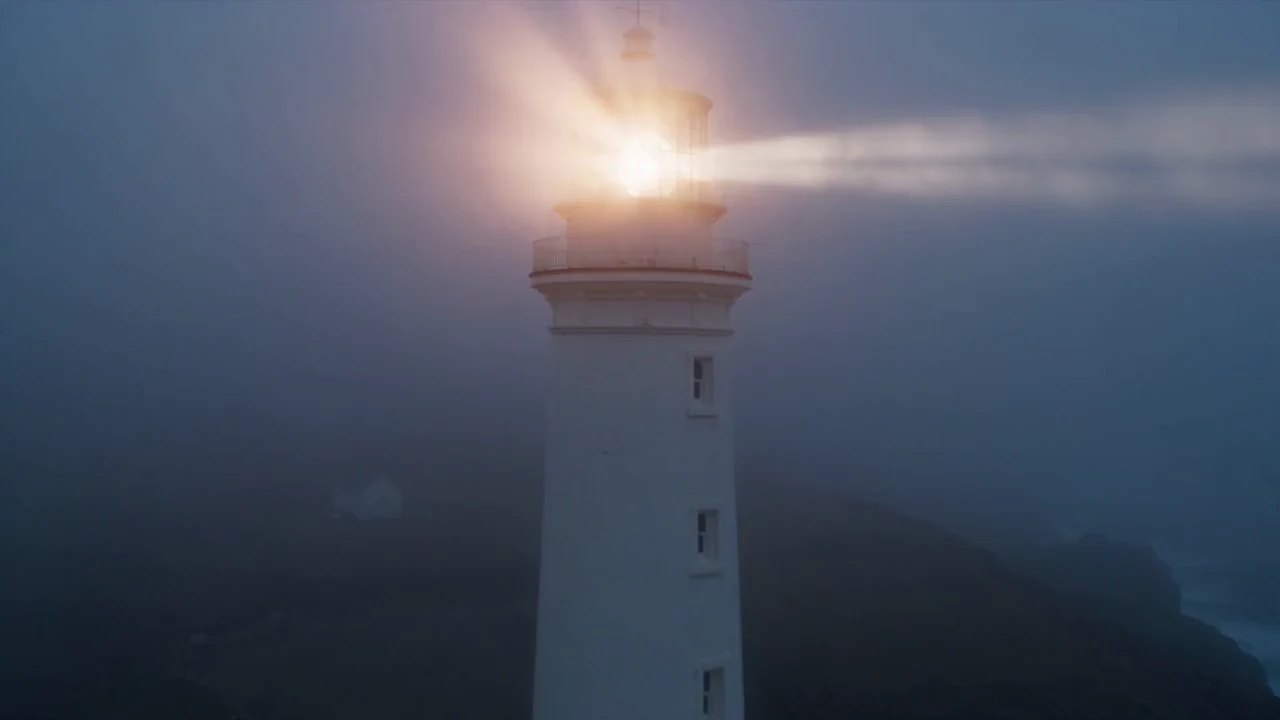
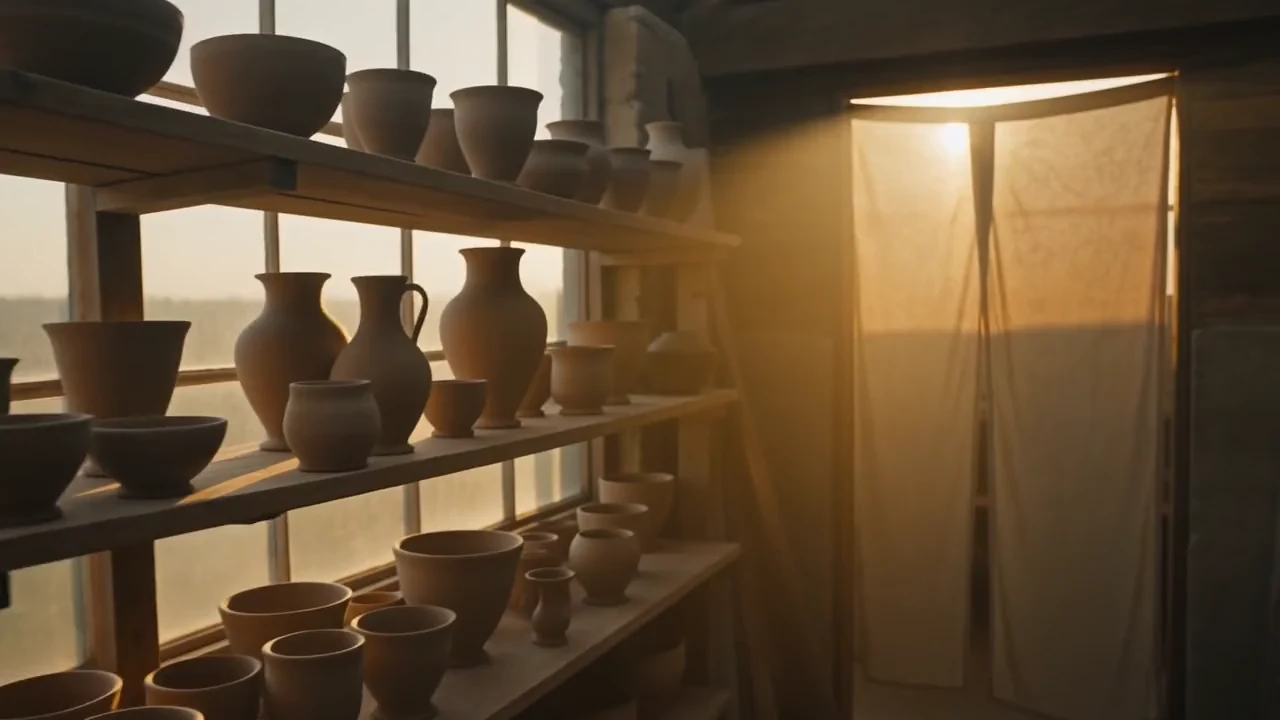
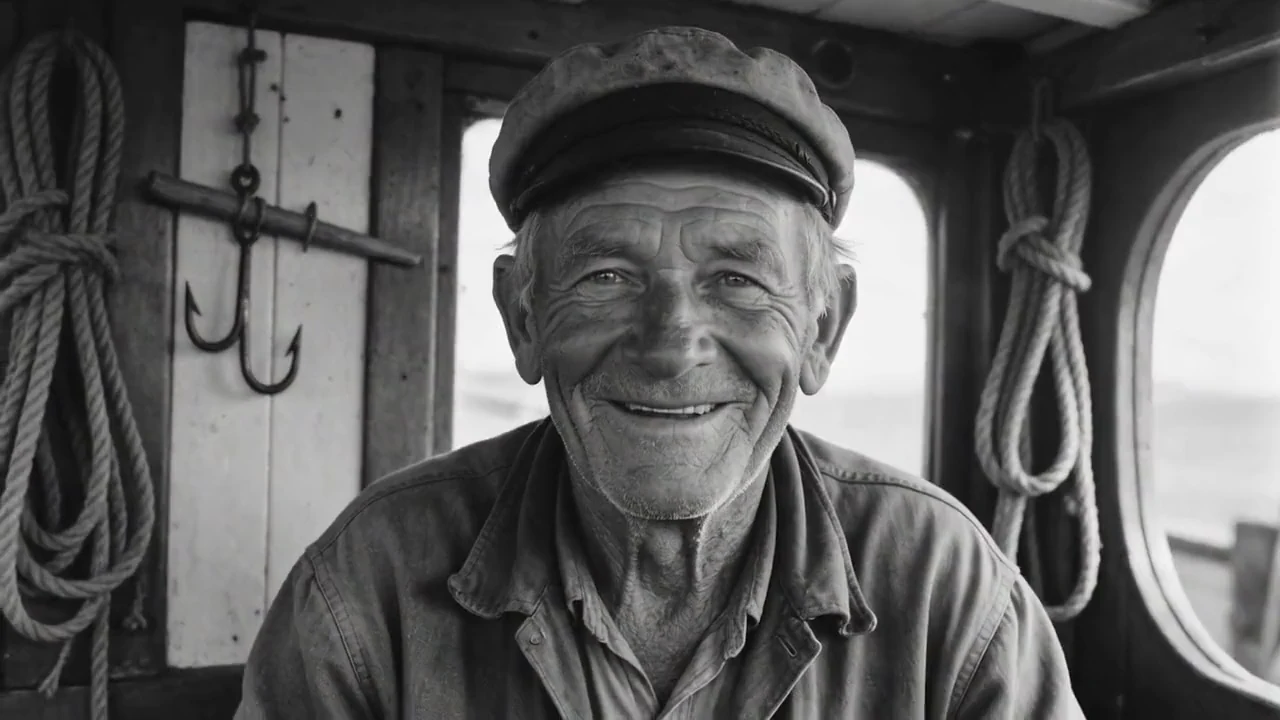
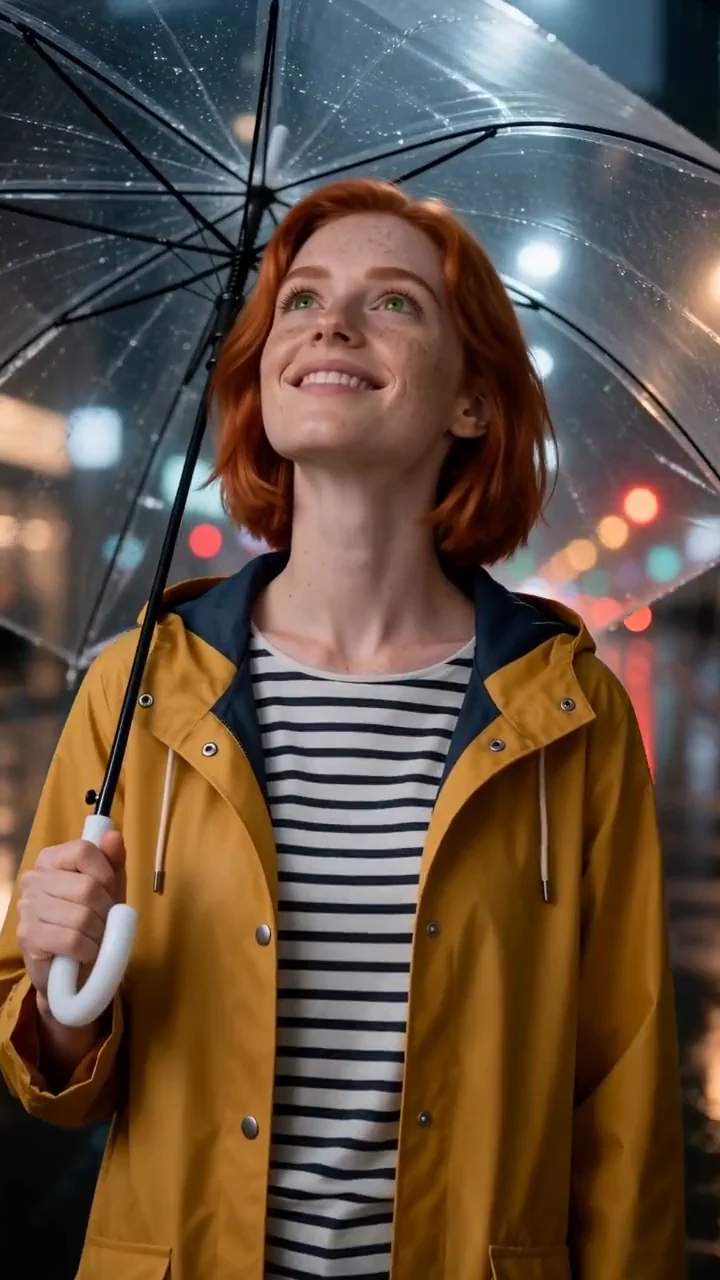
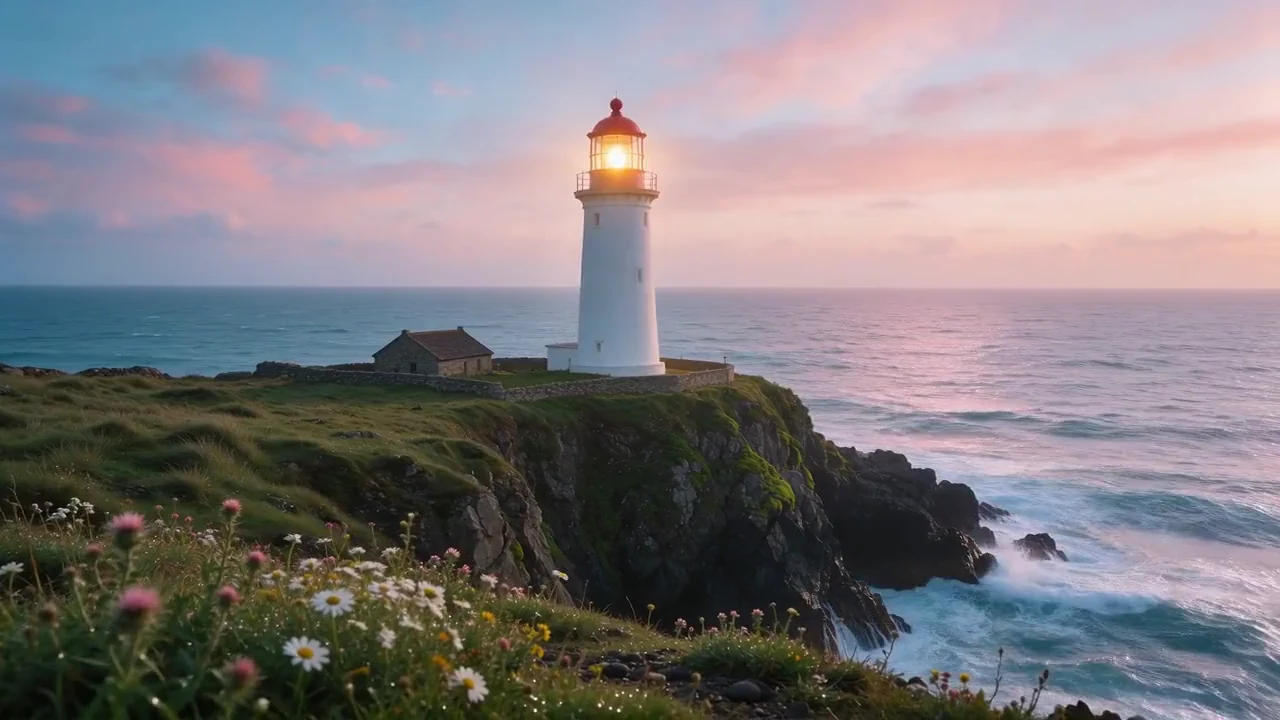
Cinematic AI render generated with the PrismPoster Video Studio
Cinematic
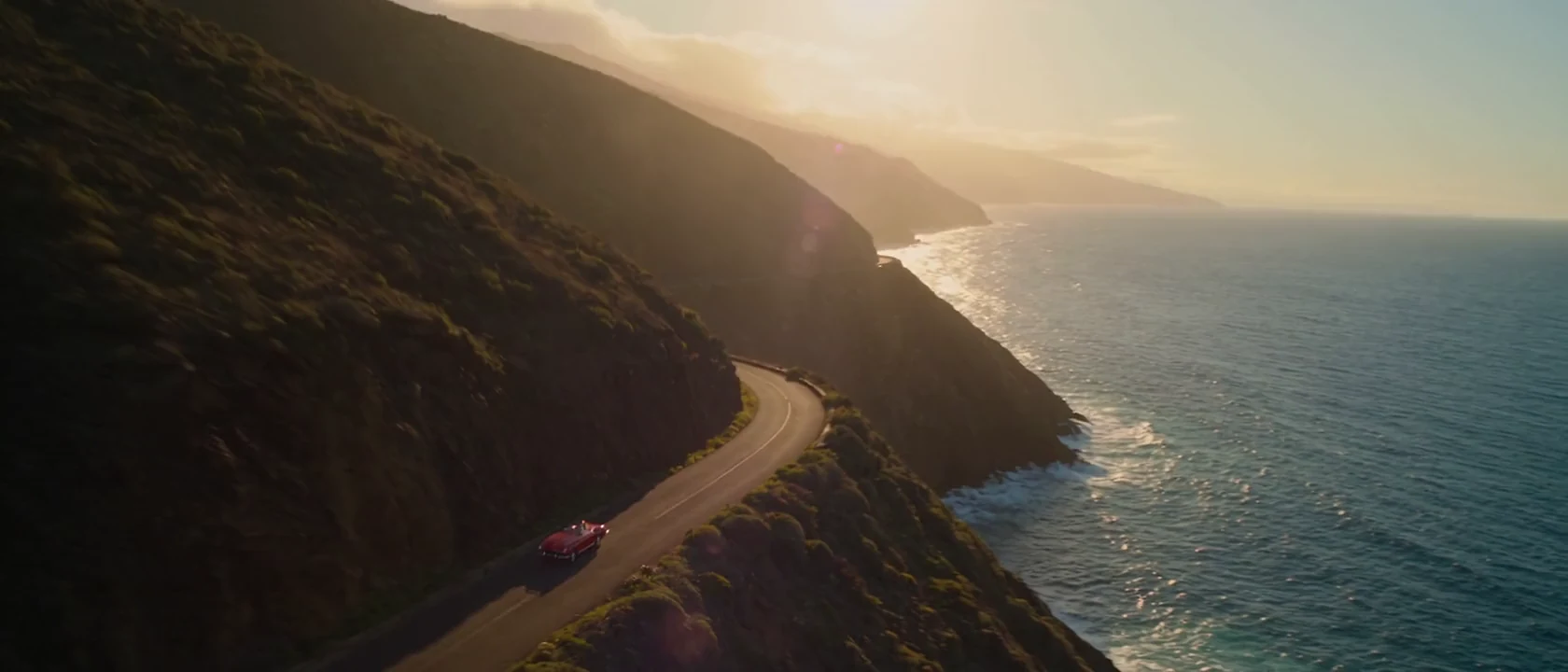
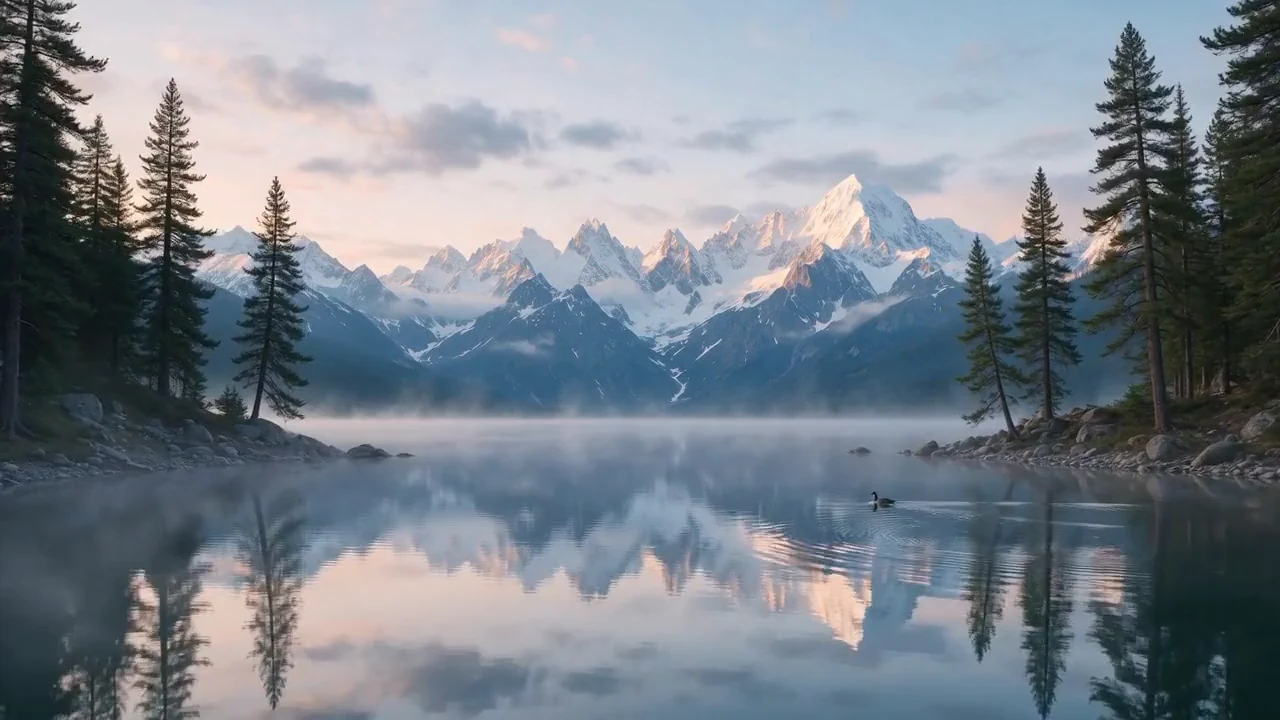
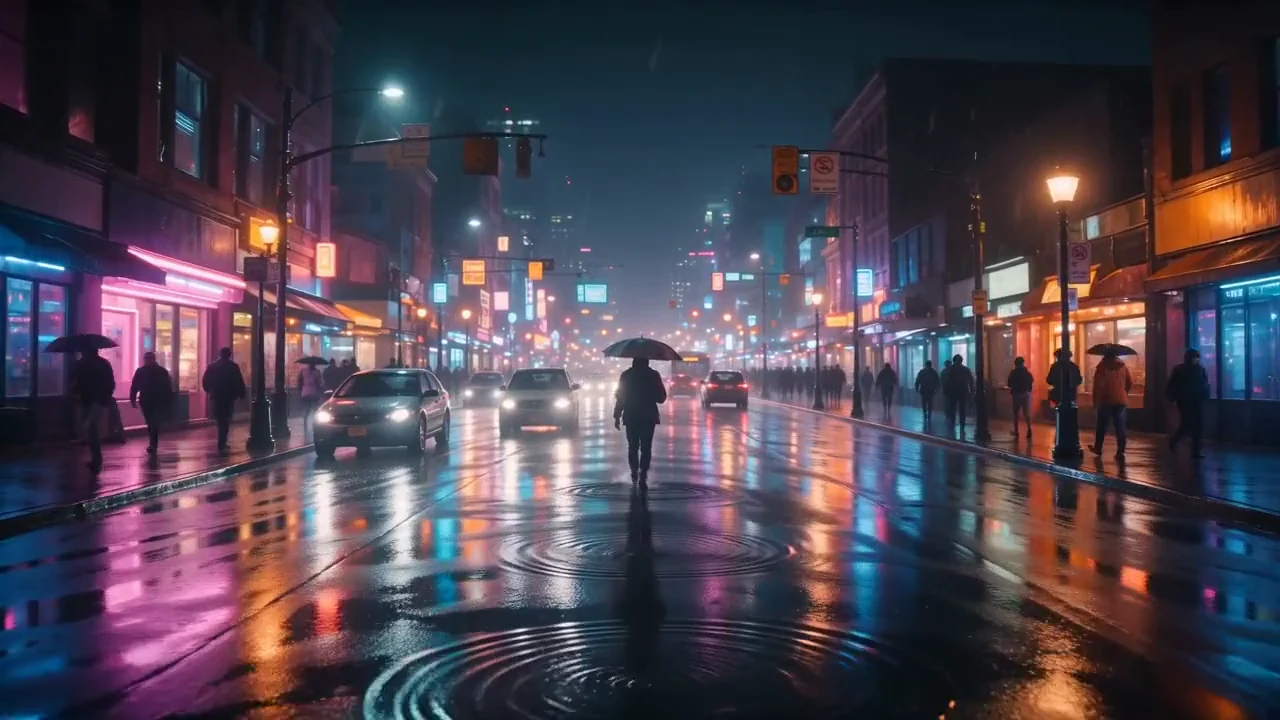
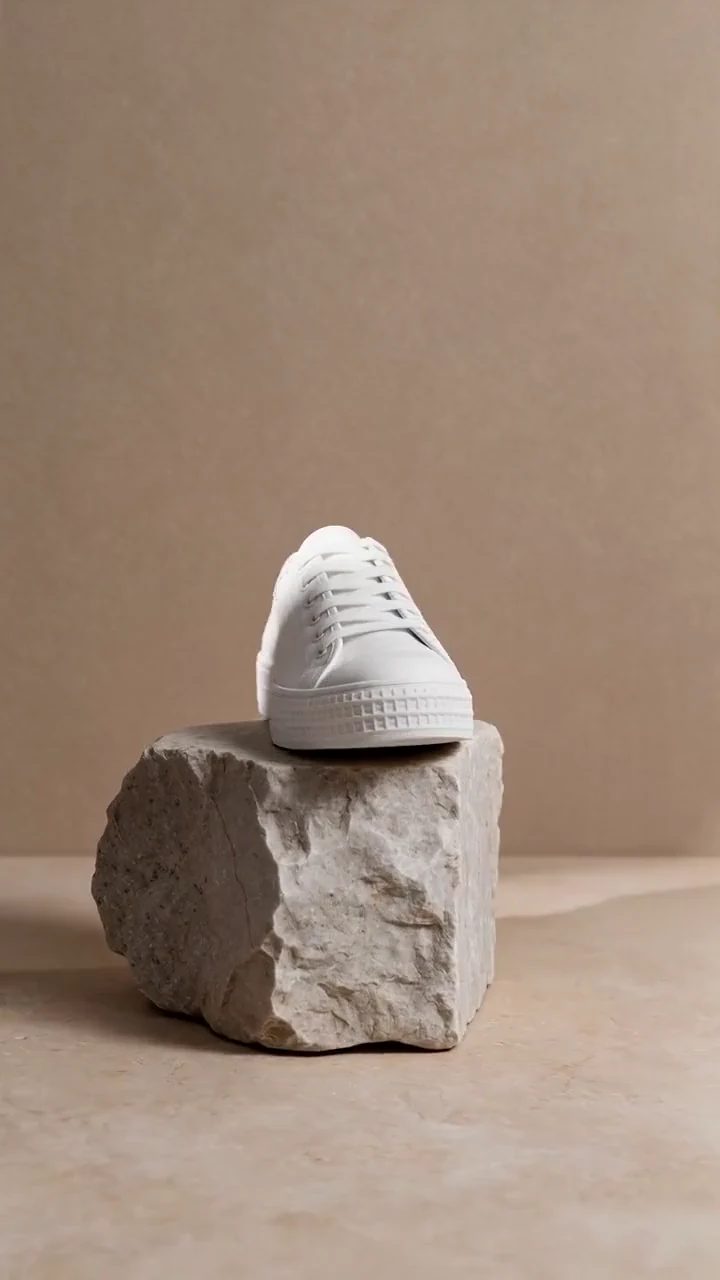
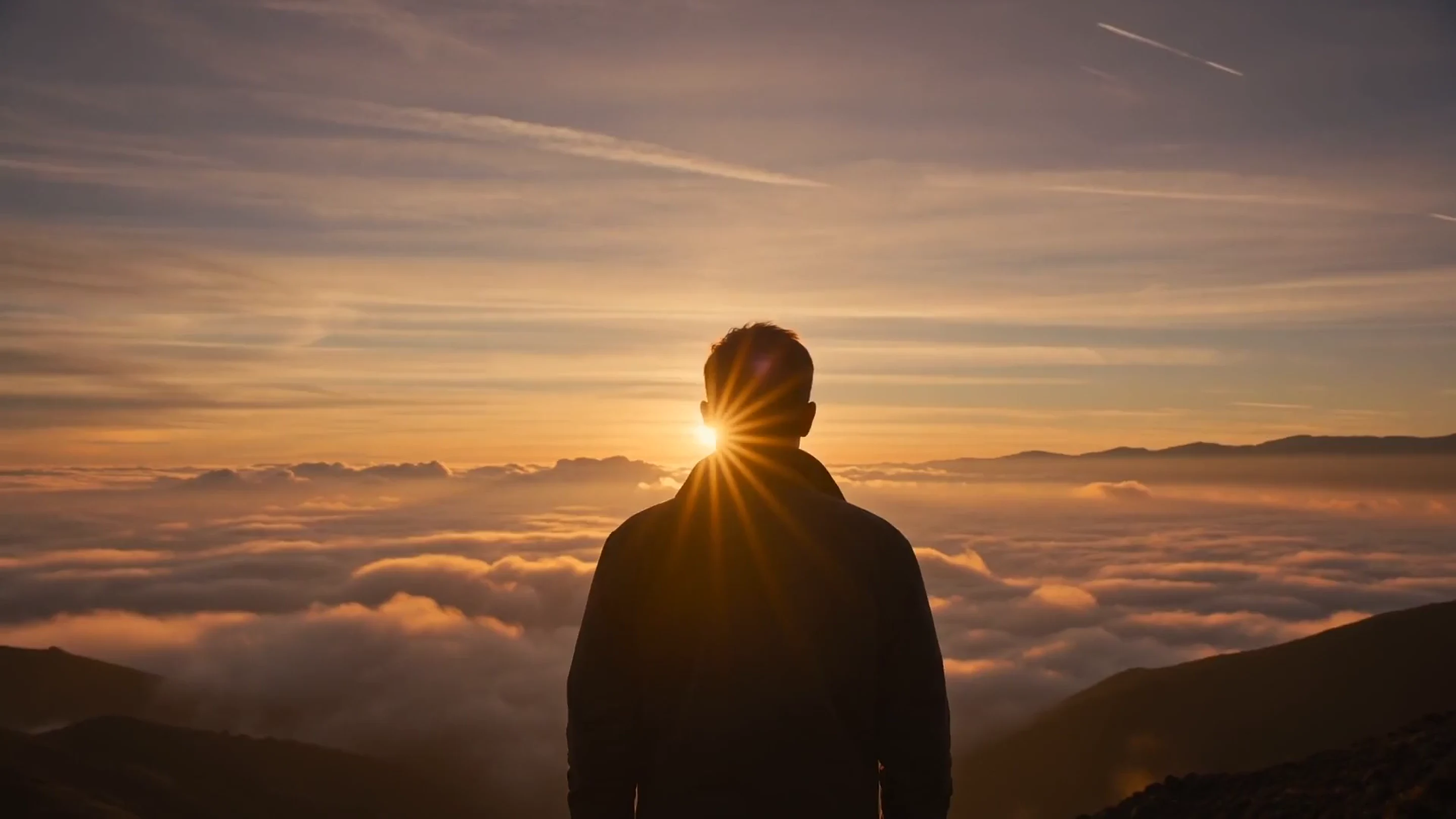
Photorealistic AI landscape generated with PrismPoster
Photoreal
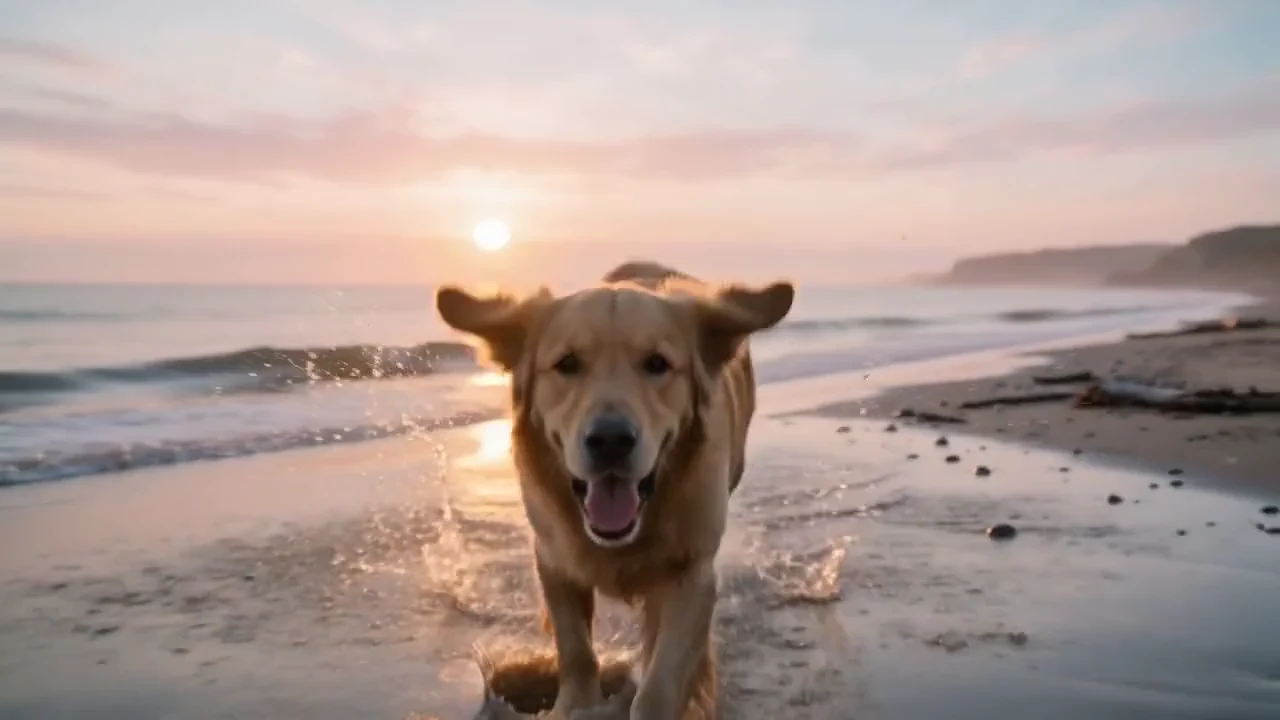
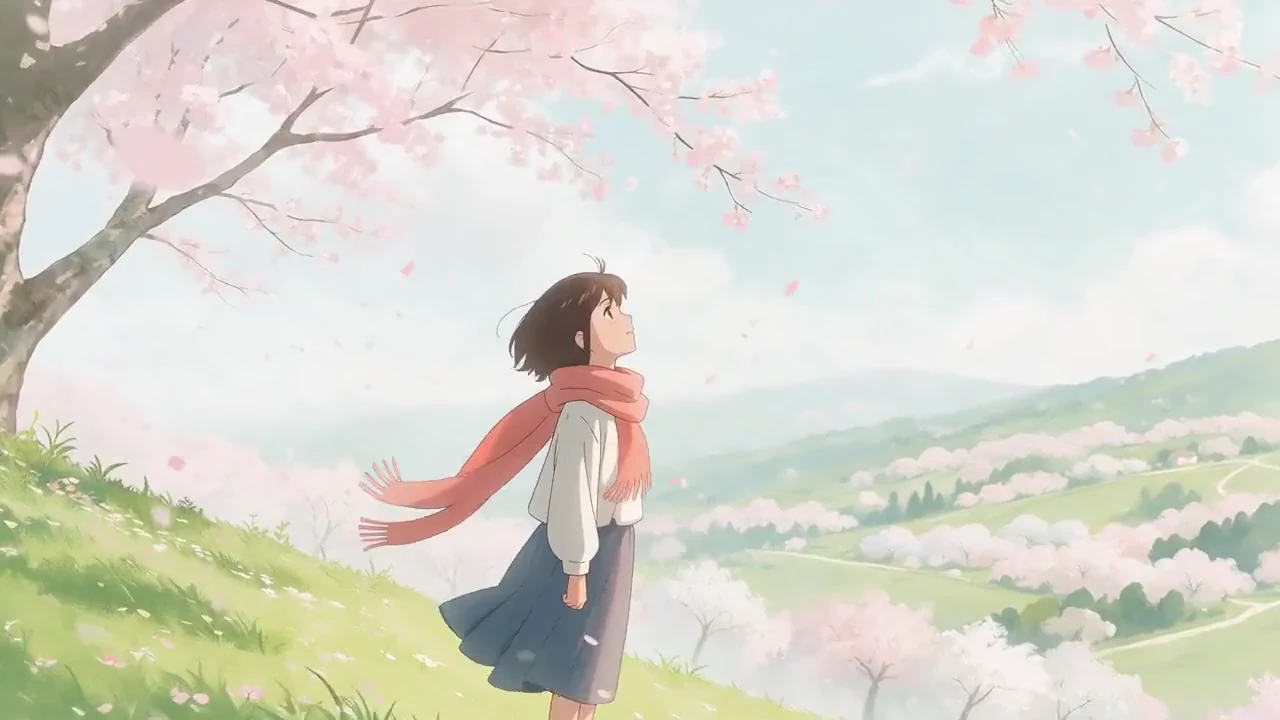
Anime-style AI image generated with PrismPoster
Anime
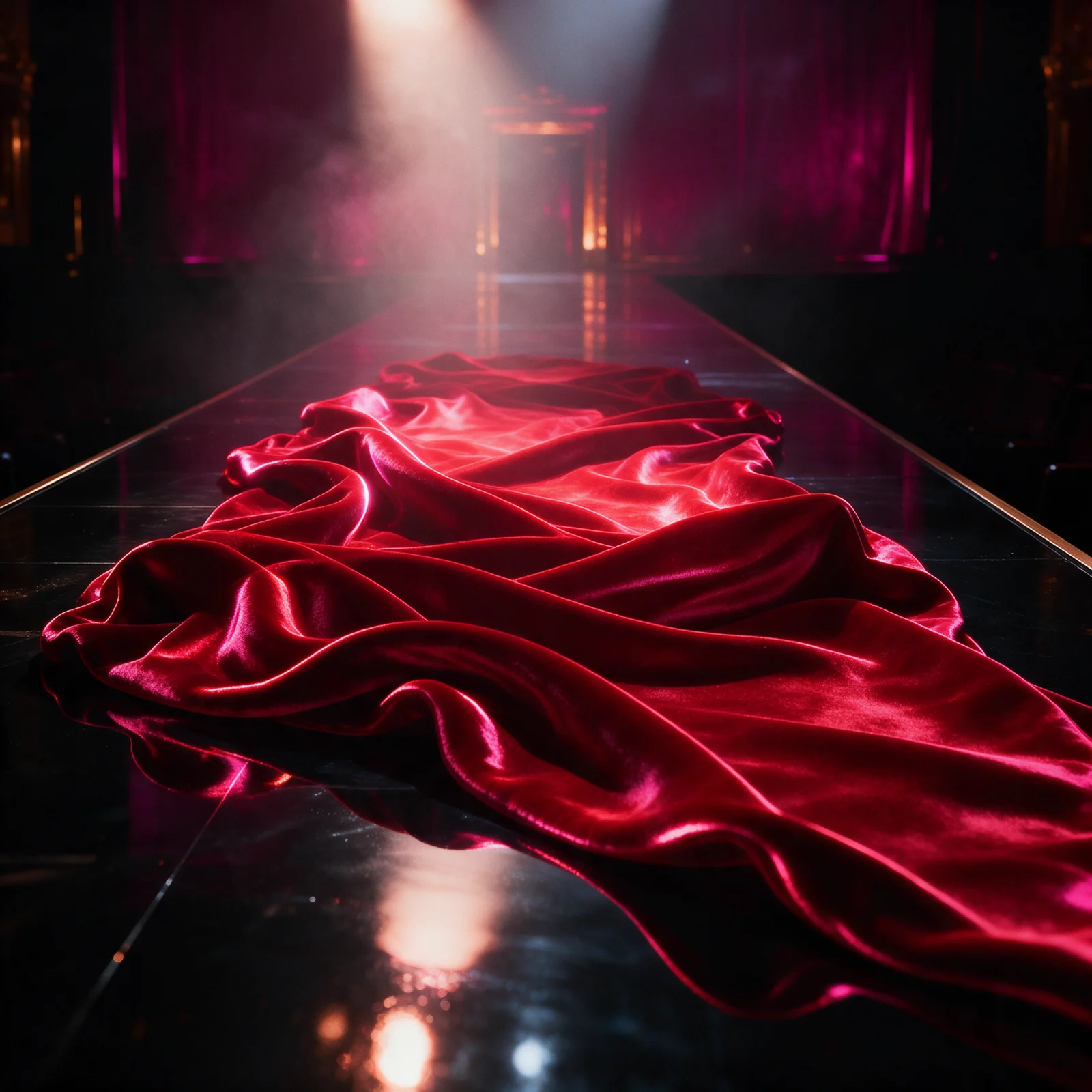
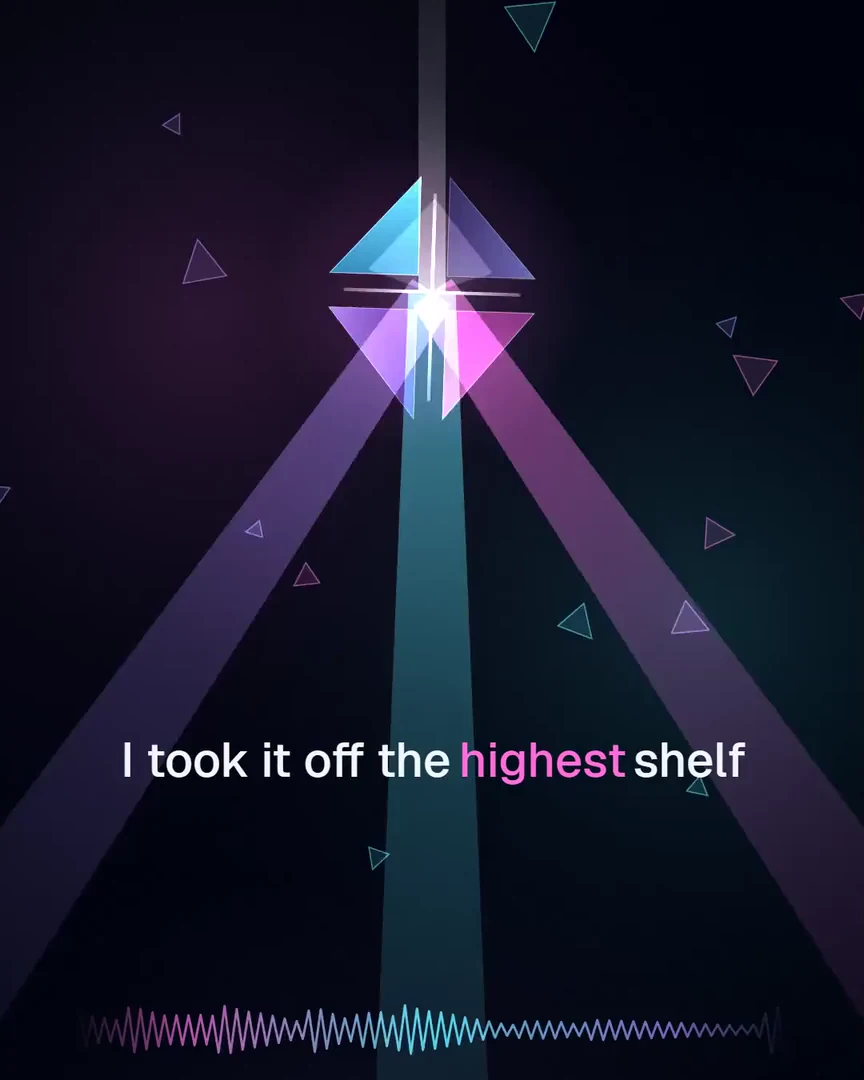
Cover art for "Platform 4" — an original song generated with the PrismPoster Music Studio

Platform 4Original song · on PrismRadio

Music · 35 languages

One system, six chapters.

Five studios — Image, Video, Music, Magic Edit, Storyboard. One editor. One live stage (Creator Cast). One credit wallet, one Library.

  1. 01ImageDirect the shot, hold a face steady.
  2. 02Magic EditFix and restyle without leaving.
  3. 03VideoBrief in, up to 4K out.
  4. 04MusicFull songs in 35 languages.
  5. 05StoryboardHand-drawn panels become a film.
  6. 06EditorThe timeline that generates.

Everything reads and writes one Library. Server-rendered exports are yours to post anywhere — we never post for you.

The studios

Five studios. One standard.

Real depth per medium — one credit pool, one Library underneath.

AI image studio

Direct the shot.

Cinema modes and a Director camera monitor — aperture, angle, motion, all opt-in. Six aspect ratios. 1K, 2K, or 4K stills. Reference images hold a face, a product, or a style steady across a whole campaign. From 12 credits per image.

  • 1K · 2K · 4K
  • 6 aspect ratios
  • Reference images
  • From 12 credits
PrismPoster Image Studio: a prompt and style presets beside the Director monitor with camera angle and aperture controls
PrismPoster Director camera monitor Low angle preview framePrismPoster Director camera monitor High angle preview framePrismPoster Director camera monitor Dutch angle preview framePrismPoster Director camera monitor Bird's-eye angle preview framePrismPoster Director camera monitor Worm's-eye angle preview frame

Magic Edit

Fix it without leaving.

Inpaint a detail. Outpaint the frame. Transfer a style, retouch skin, remove a background or a stray object, then upscale 2x or 4x. Every edit runs in the browser, keeps its before-and-after history, and lands back in your Library. Edits run 12 to 20 credits.

  • Inpaint · Outpaint
  • Style · Retouch
  • Upscale 2× / 4×
  • 12–20 credits
PrismPoster Magic Edit surface with inpaint, outpaint, and retouch tools

AI video generator

Brief in. 4K out.

Write a brief, pick one of five cinema modes, and set the camera treatment from the Director monitor. Four to fifteen seconds at 480p, 720p, 1080p, or 4K, in six aspect ratios including 9:16 vertical for Shorts and Reels, with image-to-video and first-and-last-frame continuity. When a clip ends too soon, extend it from its last frame. A five-second 480p clip runs 40 credits; 1080p is 210.

  • 480p → 4K
  • 9:16 vertical · 6 ratios
  • 4–15s · extend
  • From 40 credits
PrismPoster Video Studio Director monitor with the camera-animation tray — dolly, orbit, crane, and more
  • 480p
  • 720p
  • 1080p
  • 4K

AI music generator

Full songs, ready to play live.

Write the lyrics or let the studio draft them. Pick the voice, take the stems, print the cover art — then put eligible tracks on PrismRadio and straight into your stream queue. Every song is original and generated for you. A full custom song runs 15 credits.

  • Vocals · stems
  • 35 languages
  • Cover art
  • 15 credits/song
PrismPoster Music Studio with a brief, styles, vocal settings, and generated track variations

Sings in 35 languages — enforced at generation, upstream of the vocal.

EnglishEspañolPortuguêsFrançais日本語한국어中文TürkçeفارسیItalianoDeutschРусскийNederlandsPolskiSvenskaУкраїнськаΕλληνικάRomânăČeštinaMagyarSuomiDanskNorskBahasa Indonesiaहिन्दीالعربيةTiếng ViệtไทยעבריתBahasa MelayuFilipinoKiswahiliবাংলাதமிழ்اردو

Storyboard

Draw the shot. Get the film.

Sketch panels by hand, note the camera, cast yourself — the fifth studio renders the whole sheet as one finished film.

The full story plays next.
A frame from a finished film rendered by PrismPoster Storyboard from hand-drawn panels

PrismPoster · Storyboard

Draw the shot.Get the film.

Sketch a scene panel by panel — plain scribbles, a line of direction. Watch it refract into a finished cinematic clip.

Scroll
01

Sketch the shot

rough panels · plain words · camera notes

1
A man alone in a white void, marker raised, staring into camera.
Eye-levelf/2.8Static
2
He draws a horizon line; a warm sun ignites where it lands.
Eye-levelf/2.8Slow-push
3
Scribbles bloom into a photoreal city at golden hour.
High-anglef/5.6Orbit
4
He lowers the marker, turns, and grins at the camera.
Low-anglef/2.8Slow-push
5
He flicks a prism-light streak that flares across the frame.
Dutch-tiltf/1.4Handheld
5 panels · 10s
Compose →
the actual Storyboard studio — prismposter.com/studio/storyboard
Person · reference
Reference photo of the clip's subject
Cast yourself.
Add a photo — you become the lead in every panel.
03 — Film · 10s render
the exact same doodle — rendered as a cinematic clip

PrismPoster · Studio

Storyboard

Sketch a shot, panel by panel. Direct the camera. Cast yourself. PrismPoster refracts the whole thing into a finished, cinematic film — in one pass.

A

Sketch or upload

Doodle each panel or drop an image, then add a line of direction. Rough is enough.

B

Direct every frame

Set angle, lens, motion and timing shot by shot — the way a real storyboard reads.

C

Cast real people

Attach reference photos and your subject stars in the finished clip.

Open Storyboard Built in the real studio · clip is a genuine 10-second render · labelled AI-generated

The editor

The timeline that generates.

Other editors cut what you already have. This one creates on the track.

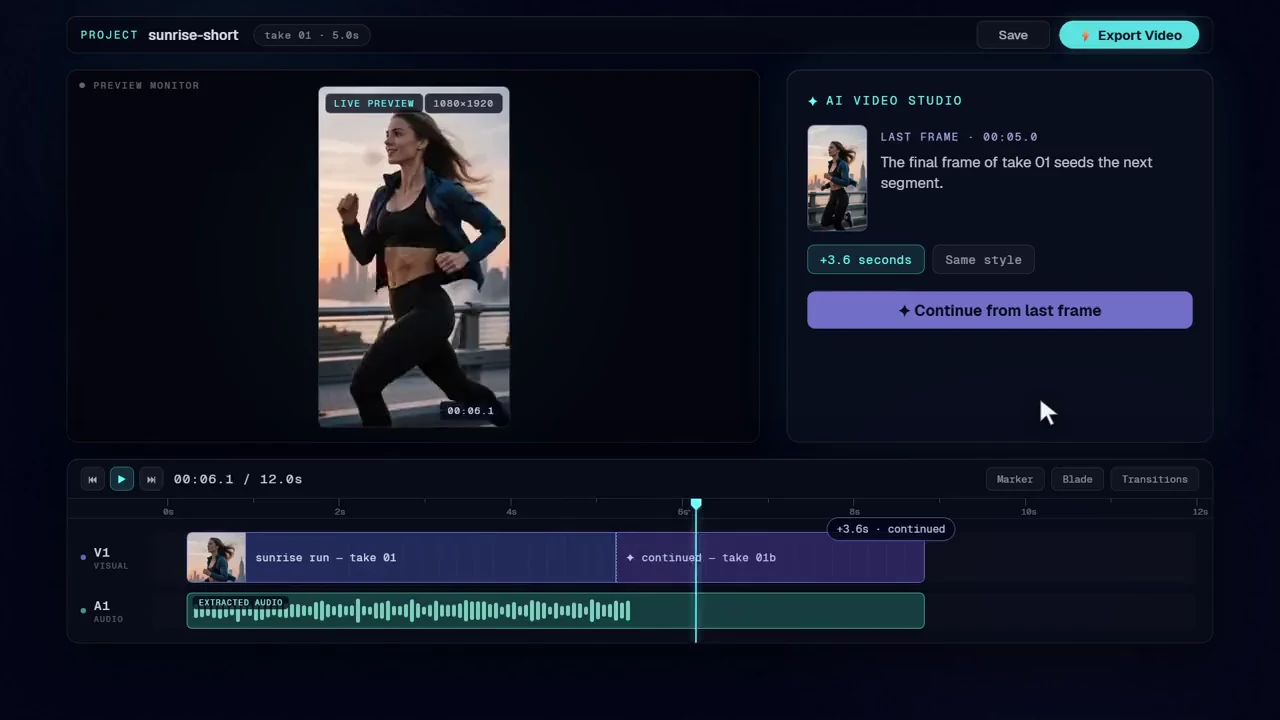
Assemble a vertical Short from generated images, clips, and an original song — export a server-rendered master.

A vertical Short assembled on the PrismPoster editor timeline — generate at the playhead, continue the clip, grade, and export
Assemble a vertical Short from generated images, clips, and an original song — export a server-rendered master.

You cut, grade, and ramp — export renders on the server and lands back in your Library as a finished master, ready to post anywhere.

See every feature

Made with PrismPoster

Watch output, not a sizzle reel.

One engine per job — tested, tuned, and swapped the moment something better ships. Never your dropdown.

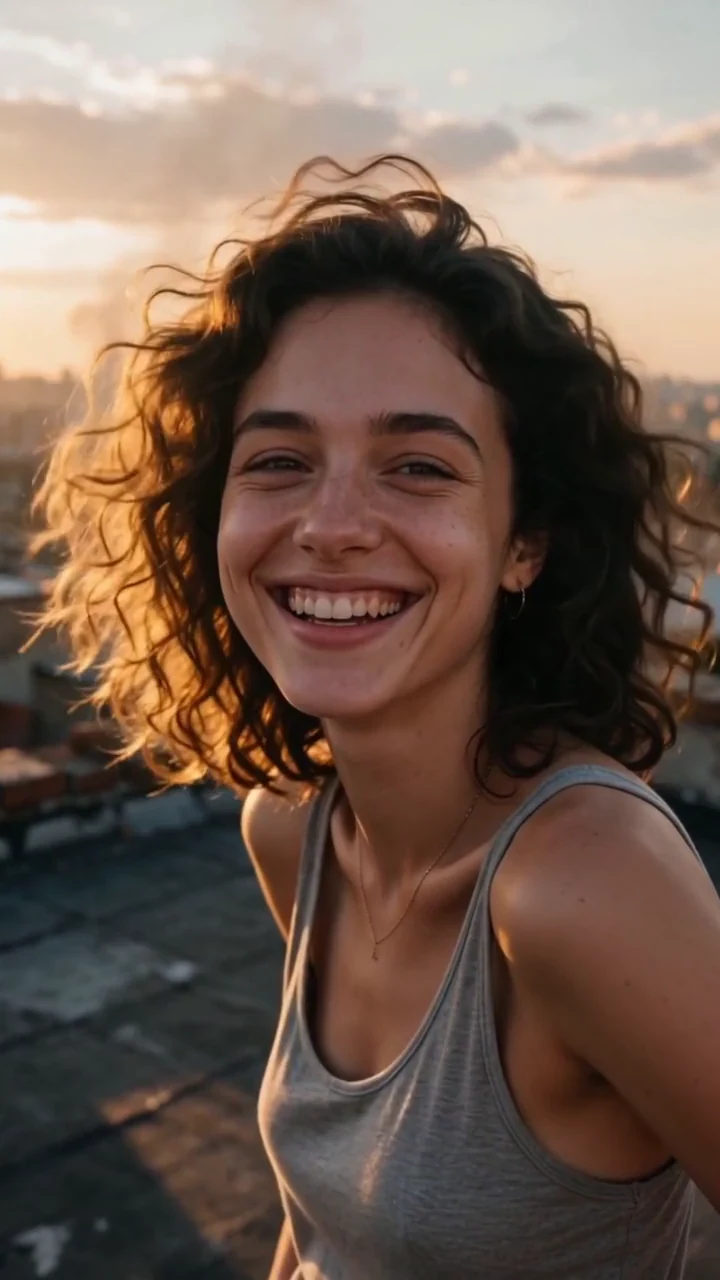
Poster frame from a vertical clip generated with PrismPoster

Every clip and song here came out of the studios above.

PrismRadio broadcast stage with the prism diamond visual
PrismRadio — our 24/7 AI music station, always on.Listen to PrismRadio — the 24/7 AI music station
PrismPoster Image Studio 3d style preset thumbnail3dPrismPoster Image Studio anime style preset thumbnailanimePrismPoster Image Studio cinematic style preset thumbnailcinematicPrismPoster Image Studio photorealistic style preset thumbnailphotorealisticPrismPoster Video Studio documentary direction thumbnaildocumentary · videoPrismPoster Video Studio product direction thumbnailproduct · videoPrismPoster Director dutch camera angle framedutch anglePrismPoster Director birds eye camera angle framebirds-eye angle

On stream · Creator Cast

Your chat runs the soundtrack. You run the show.

Every song is original, generated for you, and yours to play live and keep in your VODs — no licensed commercial music.

Everything your fans trigger — songs, clips, selfies — runs on the same five studios and the same credit wallet above.

prismposter.com/creator-tools/song-queue
The fan loop during a live session: chat submits songs, votes reorder the queue, and a deck press flips the stream widget to the winner
One live session, end to end — fans submit and vote, the queue reorders, and the winner plays straight through your stream widget.

Docked inside OBS

Paste one link. No login.

The dock is a personalized URL — add it to OBS as a custom dock and it just works. Keep the link private; the link is the key.

  • Go Live
  • Play / Pause
  • Skip
  • Volume

Ride the whole session without leaving your game.

A Stream Deck Mini running the PrismMusic Live plugin — Go Live, Play/Pause, Next, Previous, Volume, and End keysGet it on Elgato Marketplace
Stream Deck Mini · PrismMusic plugin

Fan Song Queue

Your community picks the soundtrack.

Fans submit original AI tracks and vote the queue into shape. One tap and the winner plays on stream through your audio widget — original music made for streaming, not licensed tracks.

A fan-made AI clip starring the creator, waiting in the review queue

Fan Clips

Your fans direct you.

Set up your likeness once and viewers can create AI clips starring you. Watch them together, celebrate the best on stream, and pause or revoke your likeness whenever you want.

consent on file

A fan standing next to a creator in an AI selfie composite generated with PrismPosteryou + fan

Fan Selfies

Every fan gets their moment.

A viewer snaps a selfie and the studio composites you in — framing locked, like you were really there. They pick the scene; you enjoy the results together.

Framing locked — you hold the phone.

PrismMusic / Stream output

Live tour
Style the overlay — layout, theme, QR — then paste one URL into OBS.

How the loop stays yours

  • Every clip and selfie waits in your review queue — nothing airs without your approval.
  • Songs queue to your live session — skip, hide, or reorder from the dock or your Stream Deck.
  • Gate who can submit: followers, subs, VIPs, or mods.
  • Pause or revoke your likeness anytime.

You decide who gets in.

Connect Twitch and gate submissions by followers, subscribers, VIPs, or mods — refined by sub tier and follow age. Open it wide on community day. Lock it to subs on release day.

Connect Twitch
  • Everyone
  • Followersfollow age
  • Subscriberssub tier
  • VIPs & mods

Pricing

Start free. Upgrade when the work grows.

Everything is included on Free — every studio, Storyboard, and the editor — limited by your 50 monthly credits.

Credits convert to work: 12 credits per image · 15 credits per custom song · 40 credits per 5s 480p clip.

Compare details

Free

Generate images, video, and music free — 50 credits a month to try every studio.

$0
  • 50 credits per month
  • Up to 4 images, short 480p video
  • Up to 3 custom songs
  • All studios + Creator Cast & stream tools
Video / monthmax on one quality
  • 480p
    5s
  • 720p
  • 1080p
  • 4K
Premium video

Creator

For creators shipping weekly: 700 credits a month, premium 1080p/4K video, and publishing to Discover & PrismRadio.

$29/mo
  • 700 credits per month
  • Up to 58 images, 6 HD videos
  • Up to 46 custom songs
  • All studios + Creator Cast & stream tools
Video / monthmax on one quality
  • 480p
    1m 25s
  • 720p
    40s
  • 1080p
    15s
  • 4K
    5s
Most popular

Pro

For creators shipping daily: 2,200 credits a month across every studio.

$89/mo
  • 2,200 credits per month
  • Up to 183 images, 20 HD videos
  • Up to 146 custom songs
  • All studios + Creator Cast & stream tools
Video / monthmax on one quality
  • 480p
    4m 35s
  • 720p
    2m 5s
  • 1080p
    50s
  • 4K
    25s
Max output

Apex

Top output tier: 5,000 credits a month across every studio.

$159/mo
  • 5,000 credits per month
  • Up to 416 images, 45 HD videos
  • Up to 333 custom songs
  • All studios + Creator Cast & stream tools
Video / monthmax on one quality
  • 480p
    10m 25s
  • 720p
    4m 50s
  • 1080p
    1m 55s
  • 4K
    55s

Questions, answered straight.

What is PrismPoster?

Five studios — Image, Video, Music, Magic Edit, Storyboard. One editor. One live stage (Creator Cast). One credit wallet, one Library. Generate in any studio — video runs from 480p drafts to 4K masters — finish on the timeline editor, then review and export; live streamers get fan tools that run inside OBS.

What is Storyboard?

Storyboard turns a hand-drawn plan into a finished film. Sketch a scene panel by panel — rough drawings, a line of direction, camera notes per shot — and PrismPoster renders the whole sheet as one continuous cinematic clip. Add reference photos to cast real people into the shots. The result lands in your Library and exports like everything else.

Can I put myself in what I generate?

Yes. Add a few reference photos and your likeness renders into the images, clips, and storyboards you create — it comes only from the photos you upload, and you can pause or revoke it whenever. The same consent covers the live fan features, where nothing airs without your review.

Can PrismPoster make music in languages other than English?

Yes. The Music Studio writes and sings full songs in 35 languages, including Farsi, Turkish, Japanese, Korean, and Spanish. The language you choose is enforced at generation, upstream of the vocal. Tracks come with lyrics, your choice of vocal, stems, extensions, and cover art.

Can my viewers add music or videos to my live stream?

Yes. Viewers submit original AI songs to a Fan Song Queue and vote the order; the queue plays through your OBS audio widget and you can reorder, skip, or hide any track. With Fan Clips and Fan Selfies, viewers create AI clips and selfie photos with your likeness, and you approve each one before it can reach the stream. Gate all of it by Twitch followers, subscribers, VIPs, or mods.

Is the music safe to play on Twitch or YouTube?

Yes. Every song is original AI music generated for the creator, not licensed commercial music, so you are not playing tracks from a label catalogue. Play them live and keep them in your VODs.

Do my viewers need PrismPoster accounts to join in?

Yes — submitting a song, Fan Clip, or Fan Selfie requires a PrismPoster account, and a free account is enough to join. A viewer's submission spends that viewer's own credits, never yours. You keep the gate: clips and selfies wait for your approval, and the Song Queue plays from a dock you control.

Does the PrismPoster OBS dock require a login inside OBS?

No. The dock is a personalized, token-authenticated URL. Add it to OBS as a custom dock and it works without logging in — go live, end the session, play, pause, skip, and adjust volume from inside OBS. Keep the URL private; it is the key to your dock. The same controls map to Stream Deck keys and a volume dial.

Can I edit AI video on a timeline?

Yes. The editor runs one timeline for clips, images, audio, and titles. Generators live inside the editor, so new media lands at the playhead. You can continue a clip from its last frame, grade with color correction, add speed ramps, transitions, and keyframes, then export a server-rendered MP4.

How is AI-generated content labelled?

Every image, video, and audio export carries embedded machine-readable provenance metadata (IPTC, XMP, EXIF, MP4, ID3), aligned to EU AI Act Article 50. Content made or edited with a real person’s likeness additionally carries a visible “AI-generated with PrismPoster” label that ships on every plan and cannot be removed. This is metadata-based provenance, not a cryptographic C2PA signature.

Does PrismPoster post or schedule to social media for me?

No. PrismPoster creates and finishes the work; you export it and post it yourself, or release eligible tracks to PrismRadio. Twitch connects only for the live-streamer tools.

What do I need to start?

A browser and a free account. Everything is included on Free — every studio, Storyboard, and the editor — limited by your 50 monthly credits. Results save to your Library and export when you approve the work; paid plans add more monthly credits.

Start directing.

Free every month: 50 credits across every studio, Storyboard, and the editor.

See full pricing
The right engine, picked for youFree credits to startMasters land in your Library